
Critical PHP Security Update (October 2026): Is Your WordPress or WooCommerce Site Safe?
Two critical PHP flaws were fixed on October 21, 2026. Here's how to check your WordPress or WooCommerce site in five minutes and what to ask your host.
Last updated: October 23, 2026
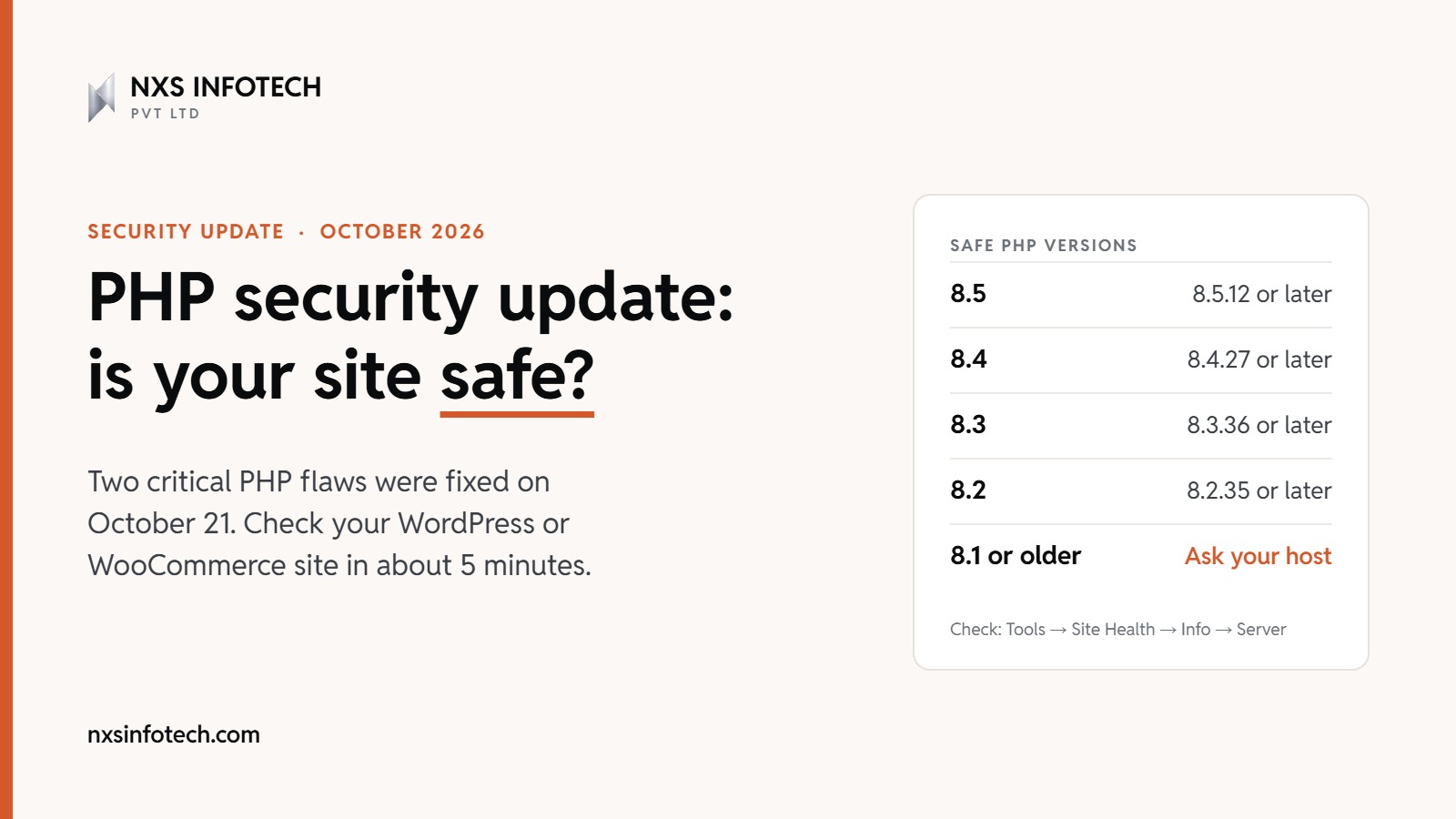
Quick answer: If your site runs PHP 8.3.36, 8.4.27, 8.5.12 or 8.2.35 (or anything newer in those versions), it already has the fix. If it runs PHP 8.1 or older, ask your host to confirm the October 21 security patch is applied, and plan an upgrade. WordPress and your plugins don’t need updating for this.
If your inbox filled up with hosting emails this week, you’re not alone. On Wednesday, October 21, the PHP team shipped a security release for two critical flaws, and hosts have been scrambling to patch servers ever since. Some of those emails are clear. A lot of them aren’t.
So here’s the plain version: what happened, how to check your own site in about five minutes, and what to ask your host if the answer isn’t obvious.
What happened with PHP this week
PHP is the language WordPress and WooCommerce run on. On October 20 the PHP security team gave advance notice of a release the next day at 14:00 UTC, fixing two vulnerabilities rated 9.2 out of 10. That’s about as serious as these ratings get.
Both flaws (tracked as CVE-2026-109618 and CVE-2026-109619) can let an attacker run their own code on a server without logging in. They sit in PHP itself, not in WordPress, a plugin or your theme. That’s why this one matters even if you keep everything else updated.
Security teams also reported attack attempts against these bugs from before the fix came out, and exploit code is now going around. In other words, this isn’t a “patch it when you get a minute” situation.
Is your site affected?
Almost every site running PHP on a web server was exposed until it was patched. It doesn’t matter which plugins you use or how small the site is. Attacks like this are automated, so bots scan everything.
Here’s where you stand, based on your PHP version:
| Your PHP version | Fixed in | What to do |
|---|---|---|
| 8.5 | 8.5.12 | Make sure you’re on 8.5.12 or later |
| 8.4 | 8.4.27 | Make sure you’re on 8.4.27 or later |
| 8.3 | 8.3.36 | Make sure you’re on 8.3.36 or later |
| 8.2 | 8.2.35 | Update now, and plan your move off 8.2 |
| 8.1 or older | No official fix | Ask your host today, and upgrade |
The last row is the one to worry about. PHP 8.1 and older no longer get official releases, so they’re only protected if your host or server vendor added the fix themselves. Some have done that. Many small hosts haven’t.
How to check your PHP version in 5 minutes
In your WordPress dashboard, go to Tools → Site Health, open the Info tab and expand Server. The PHP version is shown there.
Compare it with the table above. If you’re on the fixed version or newer, you’re covered for this issue.
One catch: some servers apply the fix without changing the version number you see. If your number looks older than the table but your host says they’ve patched, ask them to confirm in writing that the October 21 release is applied. A one-line reply from support is enough.
If you manage more than one site, check each one. It’s common for the main store to be up to date while an old landing page or staging copy on the same account is still on something ancient.
What about Shopify stores?
Shopify runs its own servers, so there’s no PHP version for you to update and nothing to do on the store itself. The one exception is anything you run outside Shopify, like a custom app, a feed script or an integration hosted on your own server. If any of those use PHP, they need the same check.
What to ask your host
If Site Health doesn’t give you a clear answer, send your host a short ticket:
- Have you applied the October 21, 2026 PHP security release on my server?
- Which PHP version is each of my sites using?
- If any site is on PHP 8.1 or older, has the fix been backported there?
- Did you turn on any firewall rules for these attacks?
Good hosts answer this quickly and clearly. If you get a vague reply, or they’re still on old PHP with no fix, take that as a sign to look at your hosting more broadly.
If your site sits behind Cloudflare, it has added firewall rules for known attacks on these flaws. That’s a helpful extra layer, but it doesn’t replace the PHP update.
After the patch: a quick health check
Because attacks started before the fix, it’s worth a short look around once you’re patched:
- Check Users in WordPress for any admin account you don’t recognize.
- Run a malware scan with your security plugin, such as Wordfence or Sucuri.
- Look for recently changed files in
wp-content, especially PHP files inside the uploads folder, where they shouldn’t be. - On a WooCommerce store, watch for orders, refunds or emails that look odd over the next few days.
Most sites will come back clean. If something does look wrong, change all admin and hosting passwords and get help before you start deleting files, so you don’t remove the evidence of what happened.
If you’re still on PHP 8.2 or older
This week is a good reminder that old PHP versions get left behind. PHP 8.2 itself stops getting security fixes on December 31, 2026, and we’ve written a step-by-step guide on moving off PHP 8.2 safely that covers backups, staging and testing checkout before you switch.
When this release came out, we went through the PHP versions on the sites we look after. For most store owners, though, the hard part isn’t the update itself. It’s knowing whether you’re actually covered. If you’d like a second pair of eyes, our WordPress care plans include PHP updates and security checks, or you can book a free 20-minute call and we’ll check your site’s PHP version and host status with you.
FAQ

Written by
Keyur Patel is co-founder and director of NXS Infotech, where he leads client partnerships. Since 2016 he has helped US e-commerce brands and agencies plan and grow their stores, from Shopify builds and marketplace management to SEO, email and paid ads. He has kept the agency Top Rated Plus on Upwork with a 100% Job Success Score.
Need Help With Your Website?
Book a free 20-minute call. We’ll review your site and tell you honestly what to fix first.
Free 20-minute call
Talk to a Founder About Your Store or Site
No sales pitch. You leave with a short list of what to fix first, even if you never hire us.